Banza Referral Code is Niyy0CqSkFsN. Use the code while creating an account and connect any app. Refer your friends and get 50% of their drops.
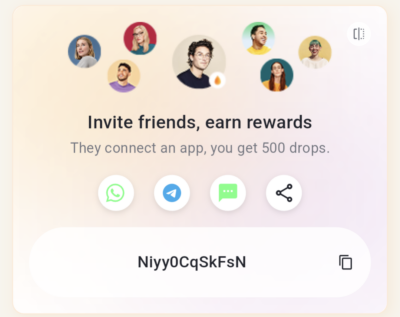
Table of contents
How to apply Banza Referral code
1. Download banza app from The Google Play Store.
2. Open the app and click on continue with Google and select your Google account.
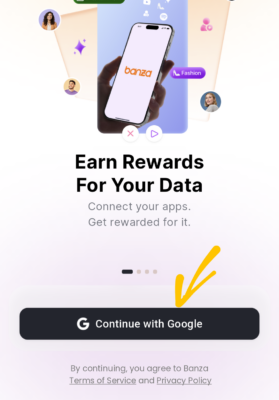
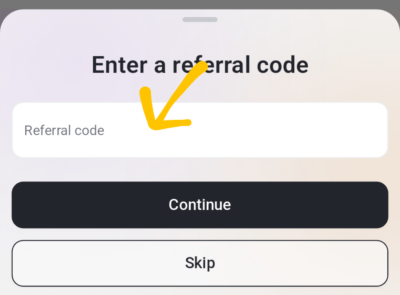
3. You will get a option to add code in that enter Banza Referral Code as Niyy0CqSkFsN.
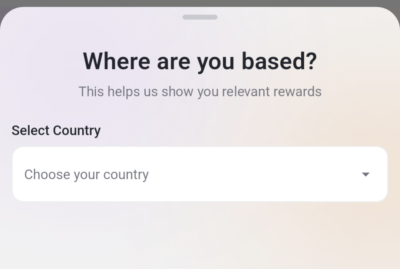
4. Select your country.
Also Try Rupiyo, Sikka, Attapoll, Vidmate cash, honeygain, Teek Task.
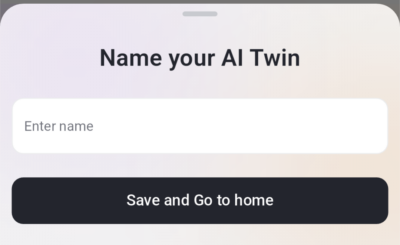
5. Now Name your AI Twin.
That’s it you have successfully created account now link any app.
How to Refer and Earn with Banza app
To Refer Click on Rewards at the bottom on the next page you can see your referral code.
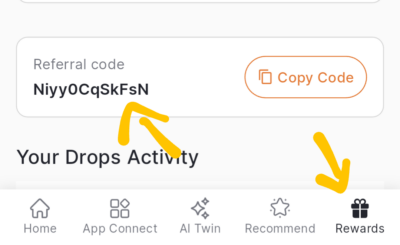
You will get 50% of your friends drops when they connect apps in banza app.
Is the banza app Real or Fake
As of now banza app is real connect apps and get drops and withdraw them in to Amazon or Flipkart Gift cards.
We don’t know how they use your data on connected apps. Don’t add your apps that has sensetive data.